

Something extraordinary is unfolding
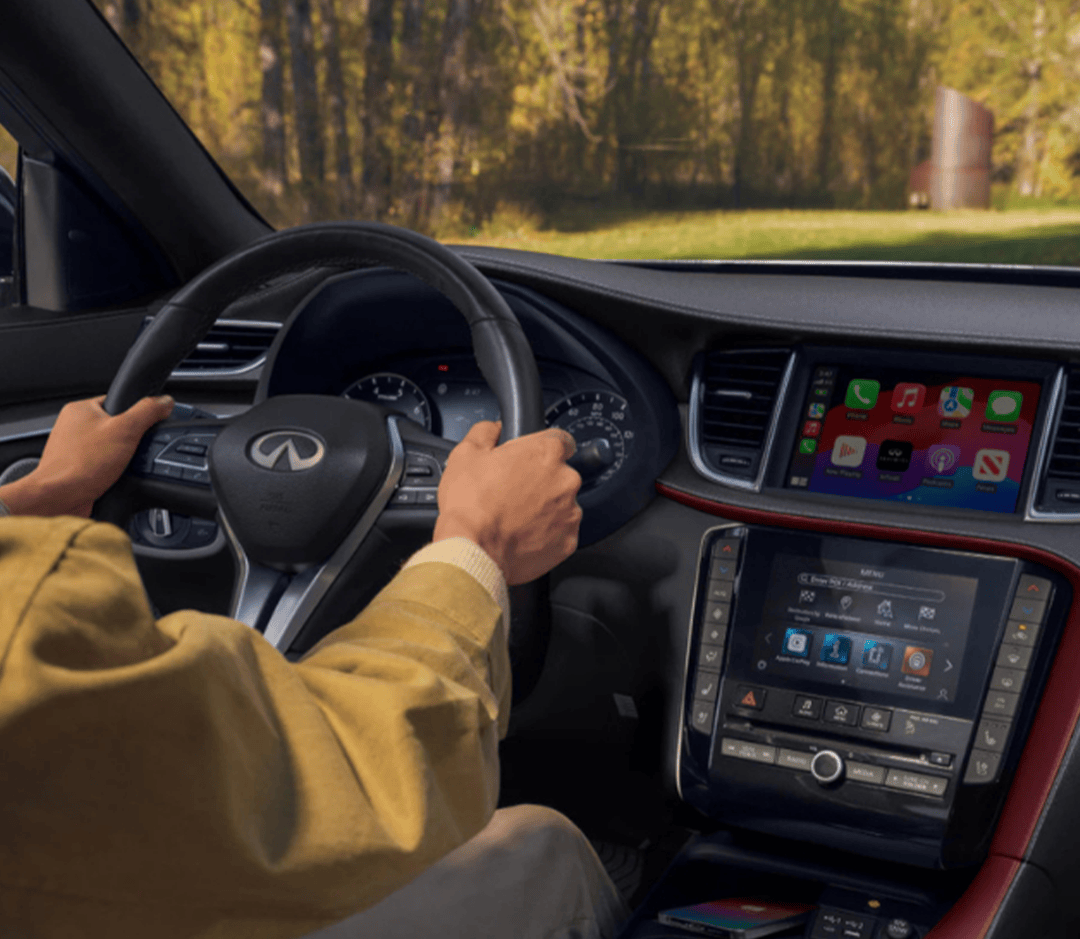
At Infiniti of Ontario, we’re here to provide more than just a vehicle purchase—we’re here to be your trusted partner for every part of your automotive journey. From helping you find the perfect INFINITI to keeping it running at its best with our service and parts departments, our team is dedicated to delivering a seamless, premium experience. Whether you’re interested in the latest INFINITI models, need maintenance you can count on, or simply have questions about your vehicle’s technology, we’re here to assist. Call us today or reach out online—we’re always ready to help. In this guide, How to Change the Display Colors in Your INFINITI QX80 [2025], we’ll walk you through the simple steps to customize your SUV’s digital display for a look that matches your style. You’ll learn where to access the settings, how to choose from available color themes, and what benefits personalization can bring to your driving experience. If you’ve ever wondered how to make the advanced technology inside your QX80 truly feel like yours, this article will give you the clear, straightforward answers you need.
What Makes Changing INFINITI QX80 Display Colors Useful?
Adjusting the display colors in your QX80 is more than a cosmetic change. It can improve comfort, visibility, and overall driving experience. Personalized settings allow you to make your vehicle feel truly yours. Key benefits of customizing INFINITI QX80 display colors include:
- Improved Visibility – Adjust brightness, contrast, and tint for clear viewing in all lighting.
- Reduced Eye Strain – Softer or darker colors can make long drives easier on your eyes.
- Enhanced Comfort – Choose color schemes that match your mood or cabin style.
- Quick Recognition – Matching vehicle icon color in the display makes it easier to track your QX80 on camera views.
- Modern Personalization – Gives the SUV a tech-forward feel that suits your preferences.
By making simple adjustments, the QX80 display can be both practical and stylish, enhancing your time behind the wheel.
How Do You Access the INFINITI QX80 Vehicle Information Display Settings?
Accessing the INFINITI QX80 vehicle information display settings is simple and quick. You can adjust colors, brightness, and more in just a few steps. Follow these instructions to get started:
- Start Safely – Ensure the QX80 is in park with the ignition on.
- Open Settings – Tap the “Settings” icon on the main touchscreen display.
- Navigate to Vehicle Options – Select Vehicle → Camera → Display Settings.
- Adjust Display Preferences – Control brightness, contrast, tint, black level, and color.
- Customize Vehicle Color – While in a non-reverse camera view, tap “Vehicle Color” to match your QX80’s exterior.
By following these steps, you can quickly reach the QX80 display settings and make the adjustments you need for comfort and clarity.
Which Display Color Settings Can You Change in the 2025 INFINITI QX80?
The INFINITI QX80 vehicle information display colors can be customized to match your style and improve visibility. Adjusting these settings helps you drive more comfortably. You can change the following display options:
- Brightness – Make the screen lighter or darker for day or night driving.
- Contrast – Adjust the difference between light and dark elements for clear viewing.
- Tint – Shift the overall color tone to match your preference.
- Color – Select the main hue for the vehicle icon and display accents.
- Black Level – Fine-tune deep blacks for better clarity and sharper images.
Customizing these settings allows your QX80 display to feel personal and easier to read. Small tweaks can make a big difference in comfort and usability.
Can You Match Display Colors to Your INFINITI QX80 Vehicle?
Yes, the INFINITI QX80 vehicle information display color change feature lets you customize the screen to reflect your vehicle’s exterior color. This helps make the display feel cohesive and personalized. Here’s how you can match colors:
- Access the Display Settings – Make sure the vehicle is in park and the ignition is on.
- Select Vehicle Color – Find the “Vehicle Color” option within the display menu.
- Choose Your Shade – Pick a color that closely matches your QX80’s exterior.
- Apply Changes – Confirm your selection, and the vehicle icon updates instantly.
Matching display colors adds a stylish touch and improves visibility by making the vehicle icon easier to see. It’s a small tweak that enhances your overall driving experience.
What Are the Advantages of Customizing the INFINITI QX80 Vehicle Information Display Colors?
Customizing INFINITI QX80 display colors offers several benefits beyond simple aesthetics. It can improve visibility, enhance comfort, and make your driving experience more enjoyable. Some key advantages include:
- Improved Visibility – Adjusting brightness, contrast, and color helps reduce glare and makes information easier to read.
- Personalized Experience – You can tailor the display to match your style or the vehicle’s exterior.
- Enhanced Comfort – Softer or warmer tones reduce eye strain during long drives.
- Quick Recognition – Custom colors make icons and alerts easier to identify at a glance.
- Modern Appeal – A customized display adds a sleek, high-tech feel to the QX80 cabin.
By taking a few moments to adjust the display, drivers can enjoy a more comfortable, safe, and visually appealing ride.
How Does the 2025 INFINITI QX80 Compare to Other SUVs in Tech Customization?
The 2025 QX80 stands out among SUVs for its INFINITI QX80 vehicle information display options. While many SUVs offer basic screen settings, the QX80 allows more precise control over display colors, brightness, and contrast. Key points where the QX80 excels:
- Color Options – Customize the display to match your style or the vehicle’s exterior.
- Brightness Control – Adjust for daytime or nighttime driving to reduce glare.
- Contrast and Tint – Fine-tune the screen for clearer, sharper visuals.
- Vehicle Color Matching – Sync the display’s vehicle icon to your QX80’s actual color.
- Intuitive Interface – Settings are easy to find and simple to adjust while parked.
Compared to competitors, the QX80 provides a more flexible and personalized tech experience. Many SUVs offer limited adjustments, but the QX80 puts customization directly in the driver’s hands. This ensures every drive is comfortable, visually clear, and uniquely yours.
Frequently Asked Questions About INFINITI QX80 Display Colors
If you want to personalize your INFINITI QX80, these answers show how to adjust your vehicle’s display quickly.
Can you customize the screen colors in a 2025 INFINITI QX80?
- Yes, you can change brightness, contrast, tint, and color on the QX80 display.
How do I access the color settings in the QX80’s infotainment system?
- Tap “Settings” on the touchscreen, then go to Vehicle → Camera → Display Settings.
Why won’t my QX80 let me change the display theme?
- The vehicle must be stationary with the ignition on to adjust the display theme.
Are display color options tied to a specific trim or package?
- No, most trims allow full control of display colors through the infotainment system.
How do I reset the display settings in my INFINITI?
- Go to Display Settings and select “Reset” to return all options to default.
Find Your Next INFINITI in Ontario
At Infiniti of Ontario, we proudly serve drivers from Ontario, Rancho Cucamonga, Chino, and Pomona. Our team is ready to help you explore our wide selection of vehicles, including the QX80, and provide support for sales, service, and parts. Stop by our dealership or contact us today to learn more about what we offer. If you enjoyed learning how to change your QX80’s display colors, you may also find these resources helpful: our guide to safety driver assist, our tips on used INFINITI value, and our comparison of QX55 vs Lexus. Each link provides insights to help you get the most from your INFINITI and stay informed on important vehicle technology.
Get Directions to Infiniti of Ontario
Disclaimer: All information is provided for general informational and entertainment purposes only. While we strive for accuracy, we cannot guarantee that all content is complete, current, or error-free. Any reliance you place on such information is strictly at your own risk. This article may include opinions and is not endorsed by, or officially affiliated with, any vehicle manufacturer or brand. Always consult official sources – such as the vehicle’s owner’s manual, authorized dealerships, or certified professionals – for the most up-to-date and personalized information.
Connect with us


- June 2026
- May 2026
- February 2026
- January 2026
- December 2025
- November 2025
- October 2025
- September 2025
- August 2025
- July 2025
- June 2025
- May 2025
- April 2025
- March 2025
- January 2025
- December 2024
- November 2024
- October 2024
- September 2024
- August 2024
- July 2024
- June 2024
- May 2024
- April 2024
- March 2024
- February 2024
- January 2024